mobile payment imagemobile payment imagemobile payment image

01.  project description

XCEL - Redesign

Mobile payment application for international funds transfer & savings

I joined XCEL in 2021 as a contract Product designer to redesign the mobile application and improve the overall user experience for increased daily active users.
02.  project info

Role

Product Designer

Timeline

June 2020 - June 2021

Team

1 Product Designer(Myself)

1 Android Developer, 2 iOS Developers

03.  the problem

The first XCEL mobile application was launched in the UK in December 2019 as a digital wallet for financial payments services. However, 6months after launch, the application was not driving as much traffic as anticipated. Further to exploring the reason for the low traction, it was discovered, among other reasons, that customers did not find the application interface and UX up to par in comparison to their existing mobile payment applications.

Consequently, the number of daily active users on the average was about 4.

04.  the result

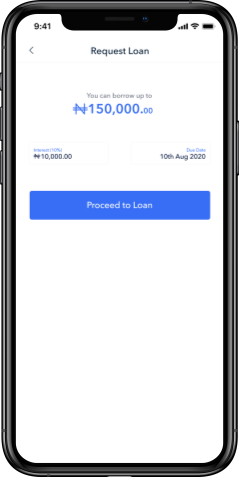
Complete redesign of the iOS and Android mobile application with additional value-based features for user retention as discovered during user research.
After 6months of initial design rollout, I was offered full-time position to continue improvements to the application experience and interface.

05.  impact

81%

increase in daily active users

63%

decrease in drop-off at onboarding.

06.   the redesign

phone 1
phone 2
phone 3
phone 4
phone 5
phone 6
phone 7
phone 8

07.  problem discovery

Analyzing the current UX on XCEL

Quantitative Data & User Experience

Before starting a redesign, I needed to understand more in-depth why the current app design needed to change based on the user experience. To do this, I worked closely with the CEO to understand the business requirements of the app. After this, I looked at the Google Analytics dashboard to observe trends in user activities over a couple of days. These helped me get a better sense of what was happening from app discovery up to drop-off points.

Results showed that:

72%

of users who downloaded the app drop-off at onboarding

4

number of daily active users on the average

43%

bounce rate and mostly for funds transfer

08.  digging deeper

Speaking to users

Qualitative Data & Current UX Evaluation

To better make sense of the Google analytics metrics, I spoke to 3 users at the time who were available to understand their current experience with the mobile app and assess where the major drop off happens. Some of the guiding questions for this conversation included:

01

How would you describe XCEL to a friend?

02

What do you typically use the app for, the most?

03

Tell me about a time you gor frustrated using the app

04

How easy is it to make a transfer?

05

What’s your most used Fintech app? Why?

06

What does a digital wallet mean to you?

09.  insights & opportunities

Findings & Insights Uncovered Categorised into Themes

After speaking to some of the users, I synthesized the information gathered using Affinity map - this helped me identify patterns in users’ responses

...Users were 3x more likely to continue using the app if there was some type of investment that makes the app more beneficial to them in their everyday life
number

Theme: Don’t make me guess

Users wanted to understand and manage their expectations right from onboarding

number

Theme: Discoverability

The most important tasks and features should be easily discoverable by users and not turn to a maze game.

number

Theme: Value beyond

For users to keep using the app, there needs to be some form of attraction back to the app even after the main task is finished

HMW improve the onboarding process, increase user retention rate, and provide value to users beyond just funds transfer

10.  ideation

Conducting Audit on the Current App

Following my conversion with the users and identified opportunities, next thing I did was to conduct an audit of the existing application. The main goal of the audit was to help narrow down the screens to start designing for improvement based on the user identified drop-off points.

Key audit findings

User onboarding does not help users understand the expectations required at sign up

User onboarding under-educates users on the value of the application and what can be done

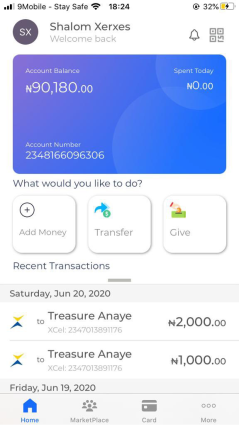
Homepage makes use of all of the estate area, making the interface look overly packed with

Proposed solutions

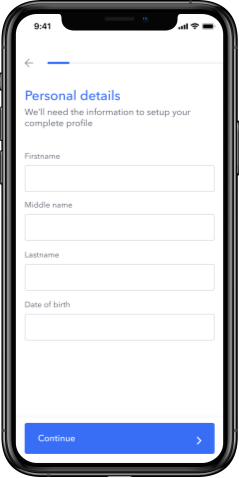
Use progress bar to help re-assure users and set expectations. That way, users know how much information has been collected and how much more is likely needed. They can also know where they are, in the onboarding journey.

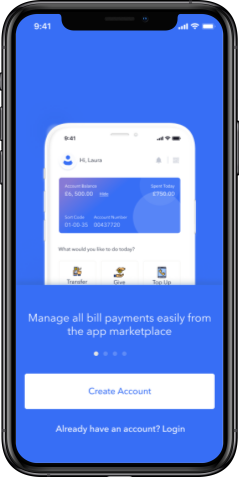
Use clear images and copy that adequately represent the app offerings and tasks users can perform

Use more whitespace while maximizing space enough to show relevant CTAs.

11.  design + improvements

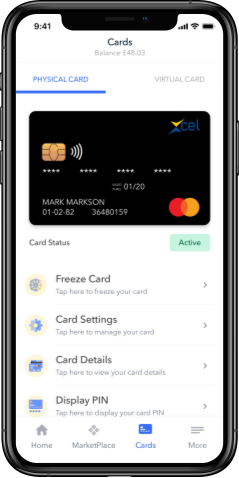
4 major improvements and 1 feature introduction were made to the overall app design

Based on findings and insights uncovered from research and speaking to users, I made 4 major improvements to the app design and introduced a new feature I thought would add more value to the use of the app for users.
iphone oneiphone one
number one

SHOW PROGRESS

Since there was a 72% drop-off at onboarding, I wanted to drive value as soon as possible and help users understand what the app is

  • Reduced the onboarding flow for user verification from 10 steps down to 5 steps.
  • Used progress bar to help users know how much information will be collected and their progress
number one

SHOW VALUE UPFRONT

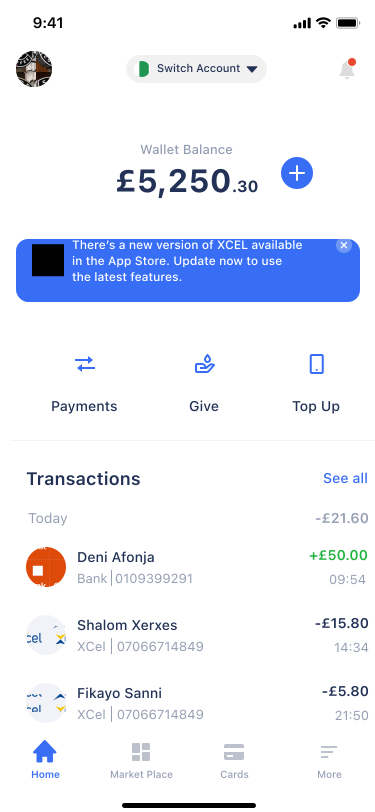
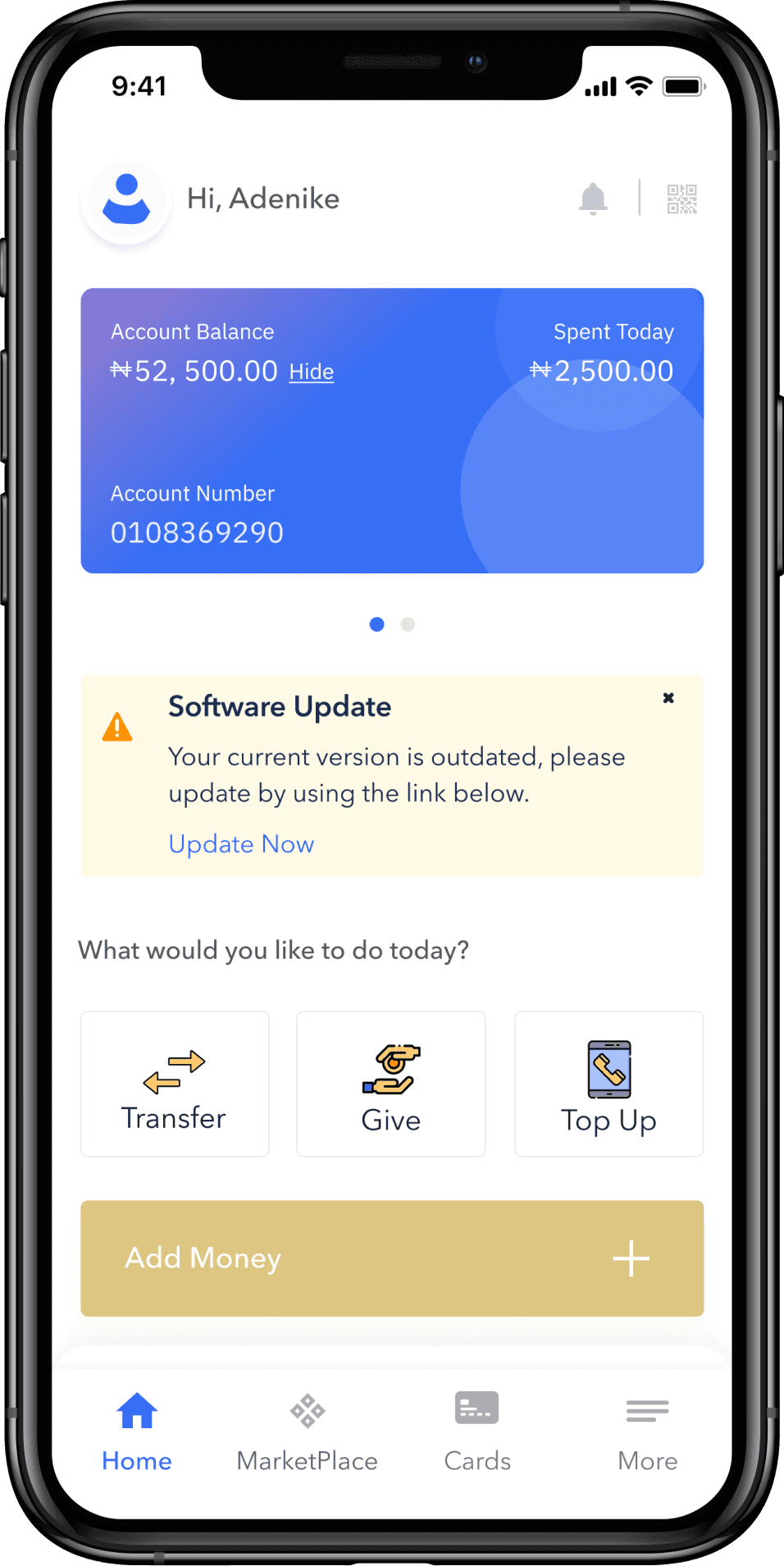
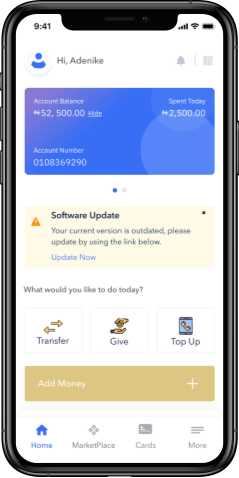
Users felt the app’s homepage was overly crowded because of the use of heavy cards and no clear distinctions between sections. Users wanted clear distinctions between major tasks
  • Employed the use of white space to group elements and space out each section.
  • Used clear icons and colors to distinguish the major tasks users could perform.

BEFORE

before

AFTER

after

  iterations made to #2

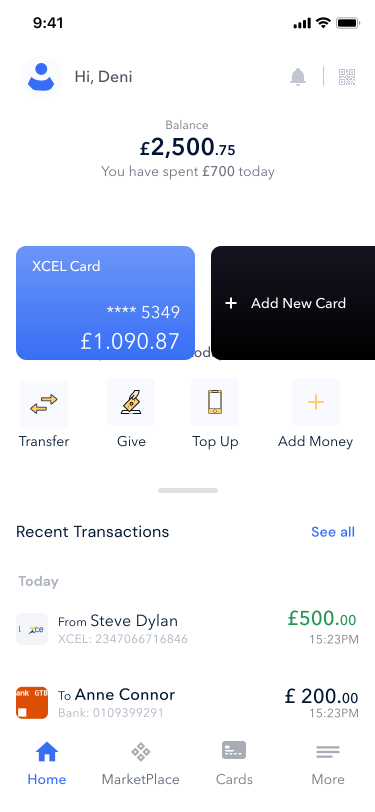
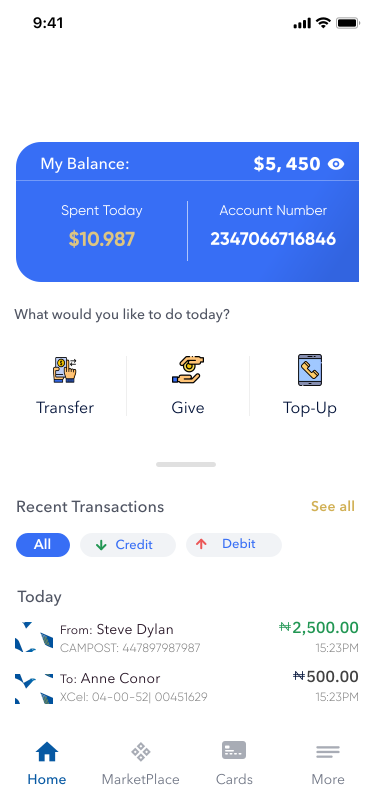
Putting main tasks at the fore-front

These are the following iterations I tried for the homepage. In the end, we chose the option shown above because it was the easiest on the eyes with less friction.
Users said it lookedfamiliar but still new. That way, we weren’t derailing too much from the existing interface users were used to.

dashboard 1
dashboard 2
dashboard 3
iphone one
number three

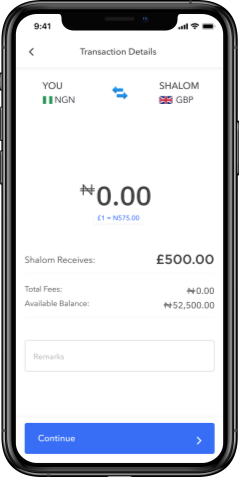
INFORMATION CLARITY AT TRANSFER

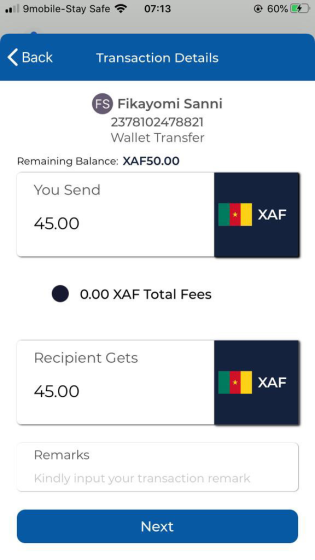
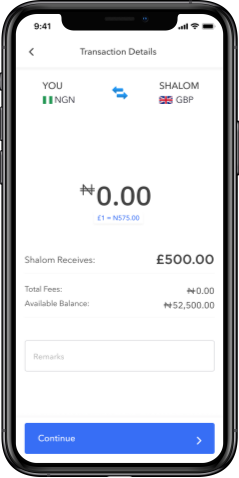
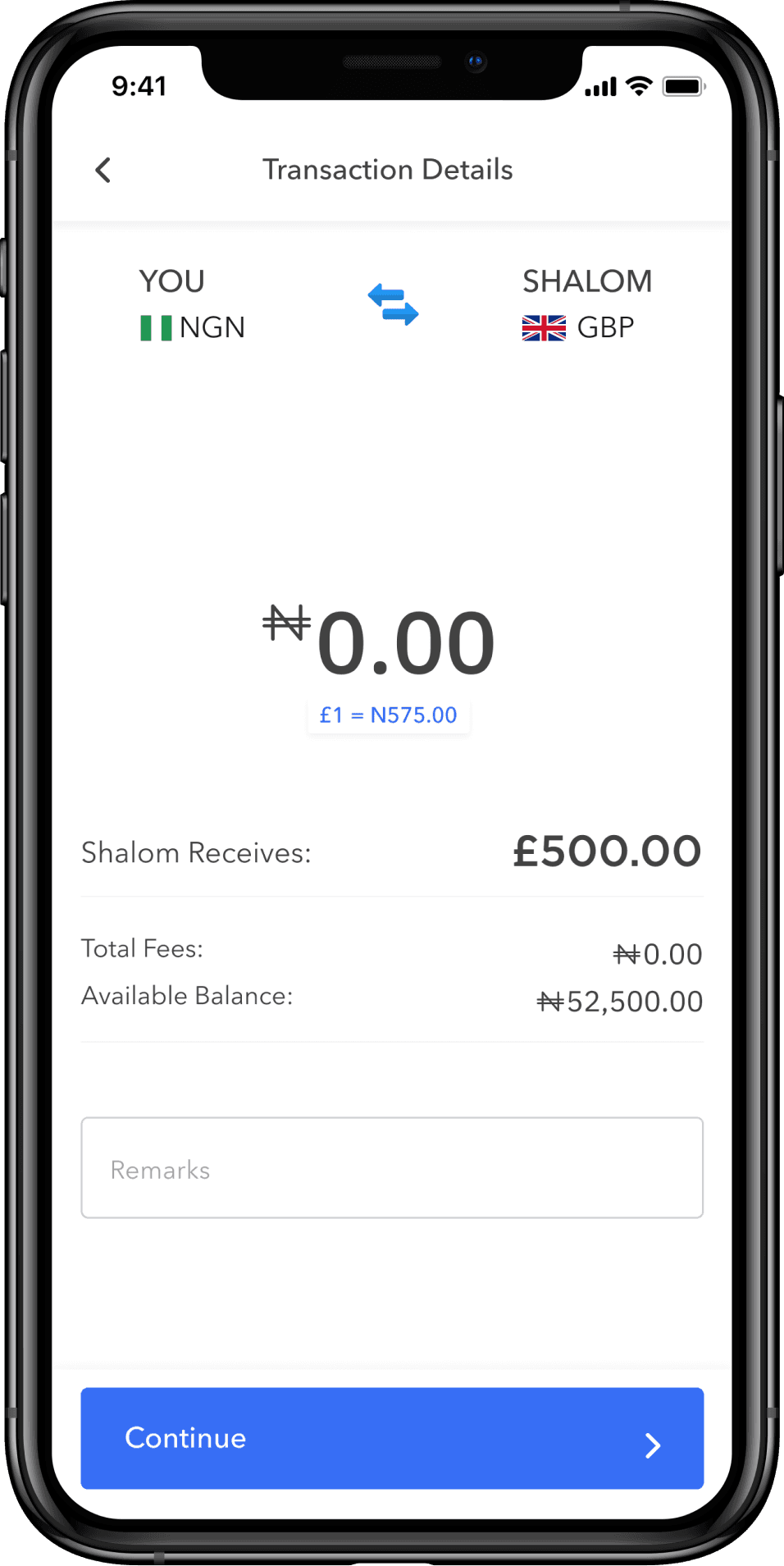
  • Added exchange rate value for transparency. This would help users anticipate the total value to be deposited to the recipient’s account
  • Showed the transaction charges early on so users can have the autonomy in deciding if to continue the transaction based on available balance or otherwise.
iphone 2
number four

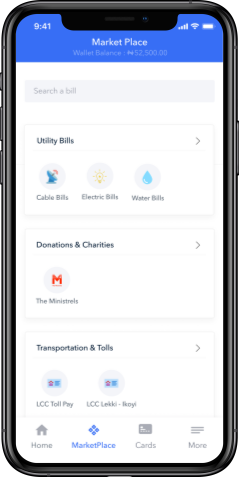
DISCOVERABILITY

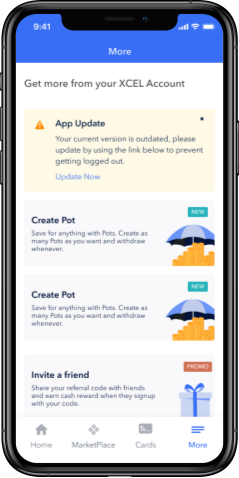
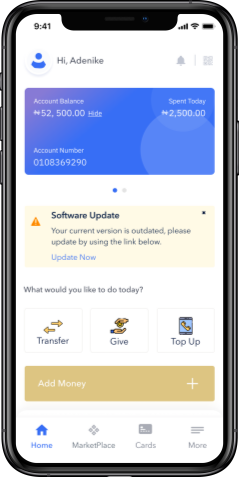
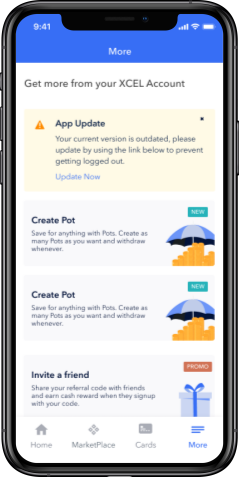
Users did not know what else they could do with the XCel app. So I improved the UI of the more page to accommodate and help users discover new features.

  • Used banners on the homepage to also notify users of new features added to the application.
iphone three

  newly added features

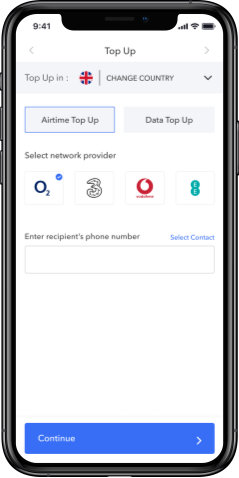
Providing Value Beyond Funds Transfer

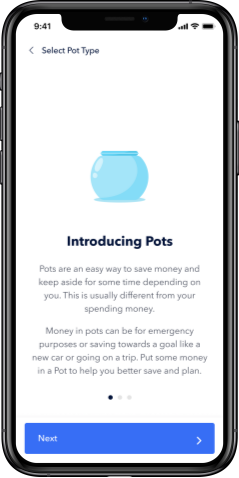
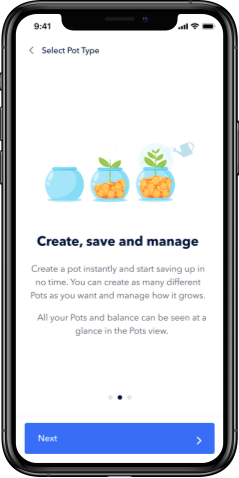
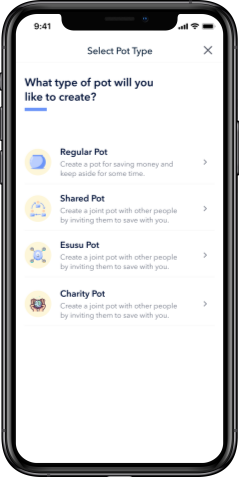
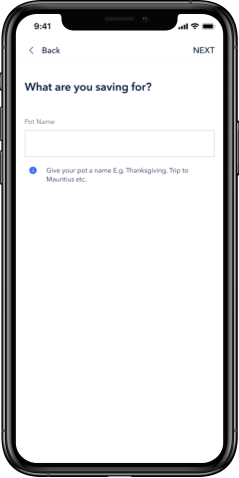
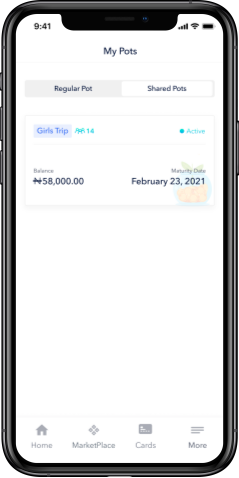
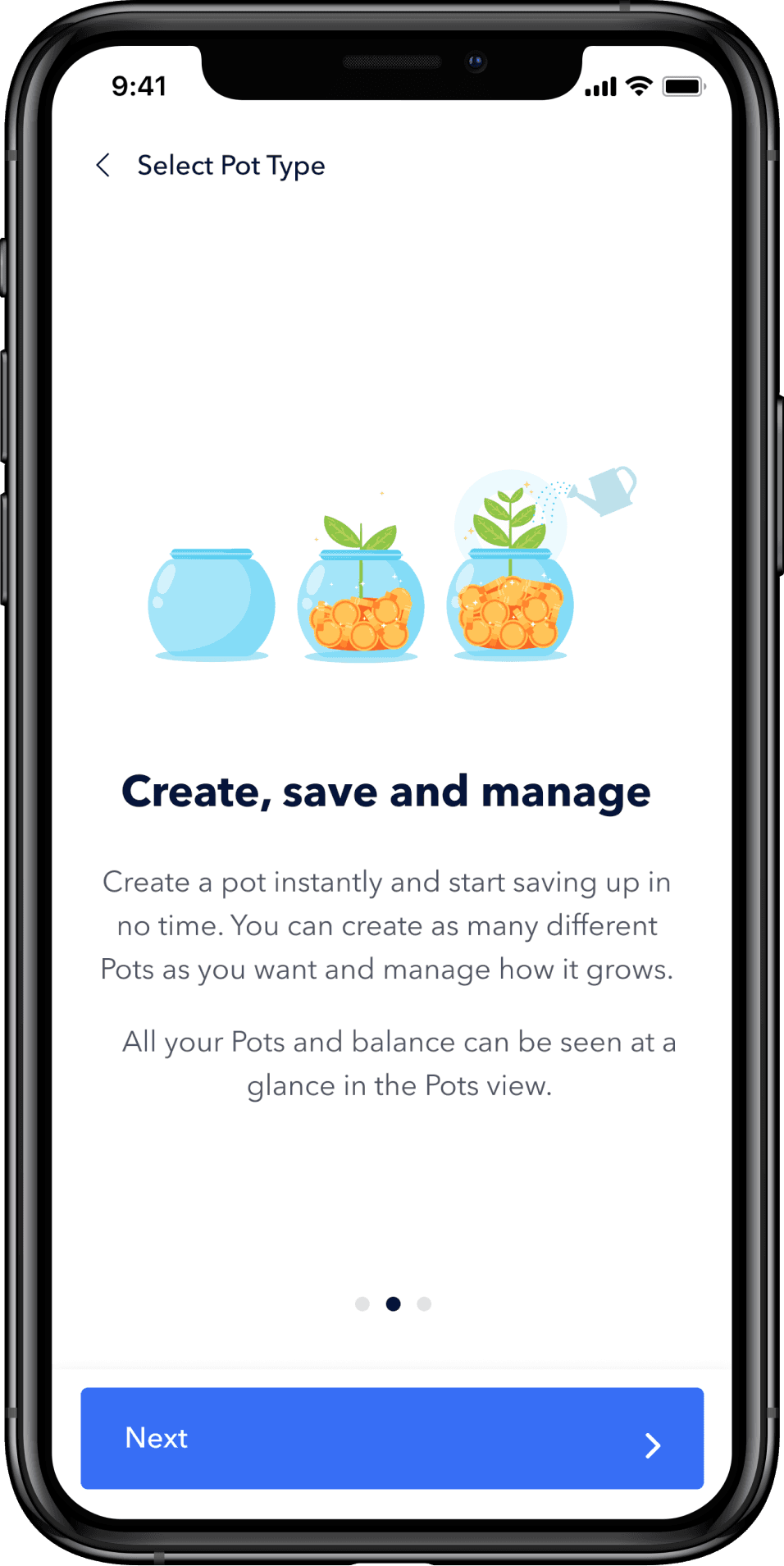
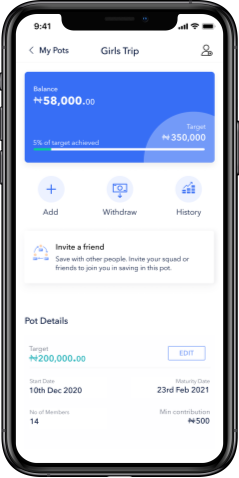
Pots - a savings feature that helps users and invited parties save towards a goal either individually or as a group

Users abandoned the app after a transfer is made till the next time they need to make to make another transfer. In comparison to other fintech applications, I realised we could be providing more value to users to draw them back to the app. Hence, I came up with the Pots feature

  • Users will always check on their money as a form of re-assurance and safety check.
  • A digital wallet meant “savings” to most of the users I spoke to.
iphone 1iphone 2iphone 3iphone 4iphone 5iphone 6

10.  results

Project Impact

The new designs and features were rolled out in phases. After the entire release, there was a significant increase in user retention rate. The newly introduced savings feature “Pots” attracted the most customers, driving more daily traffic to the application.

New results

80%

of users who downloaded the app and started the onboarding journey, made it to the app’s homepage

60%

increase in the number of daily active users on the average

13%

bounce rate and mostly for funds transfer and pots

  next steps

Follow-up Product

Follow-up Product
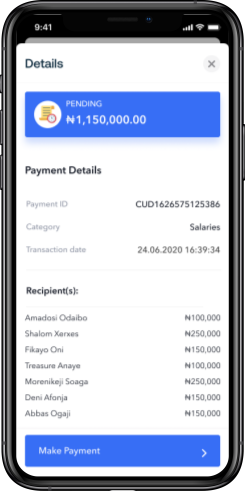
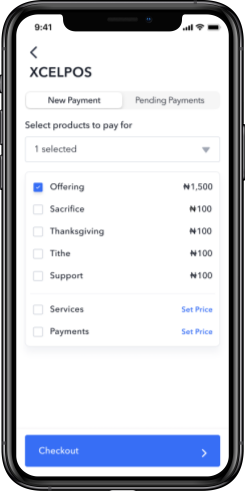
A bulk payment and pos payment solution for enterprise businesses

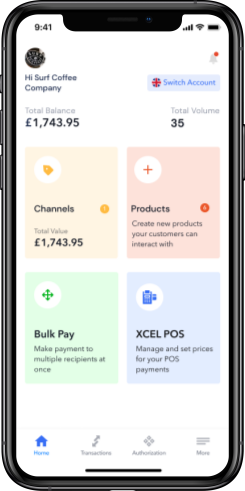
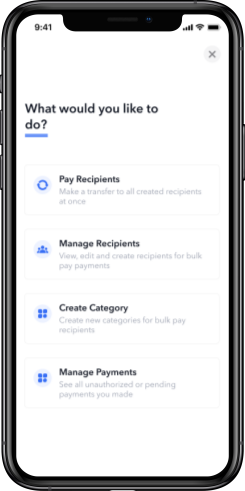
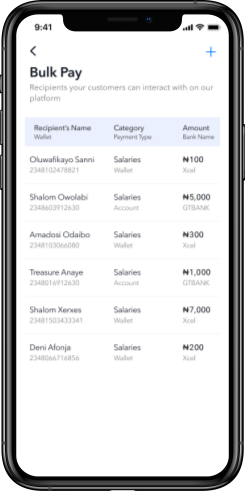
Following the release of the XCel app, I worked on the business version of the app. This was called XCel Business. The product aims to ease the process of paying contractors and staff salaries at a go by providing the option of bulk payment.

iphone 1iphone 2iphone 3iphone 4iphone 5iphone 6

12.  did i win something?

Project Reflection

This project was my first solo project from research to delivery. It gave me an opportunity to work closely with the CEO and improve on my collaboration and communication skills.

01.

Qualitative data always tell the fullstory

While quantitative data are good in metrics evaluation, qualitative data give a more comprehensive report of what is actually going on with the product and the users interacting with it. To make sense of the metrics identified, gathering qualitative data is always a good idea as this will uncover deeper insights into possible areas of product improvement

02.

Engage developers early on

Engaging developers early on in the project helps them also be aware of what the final designs might look like. They are also able to follow closely as the product design evolves and anticipate constraints that could possibly change the course of direction of the product design.

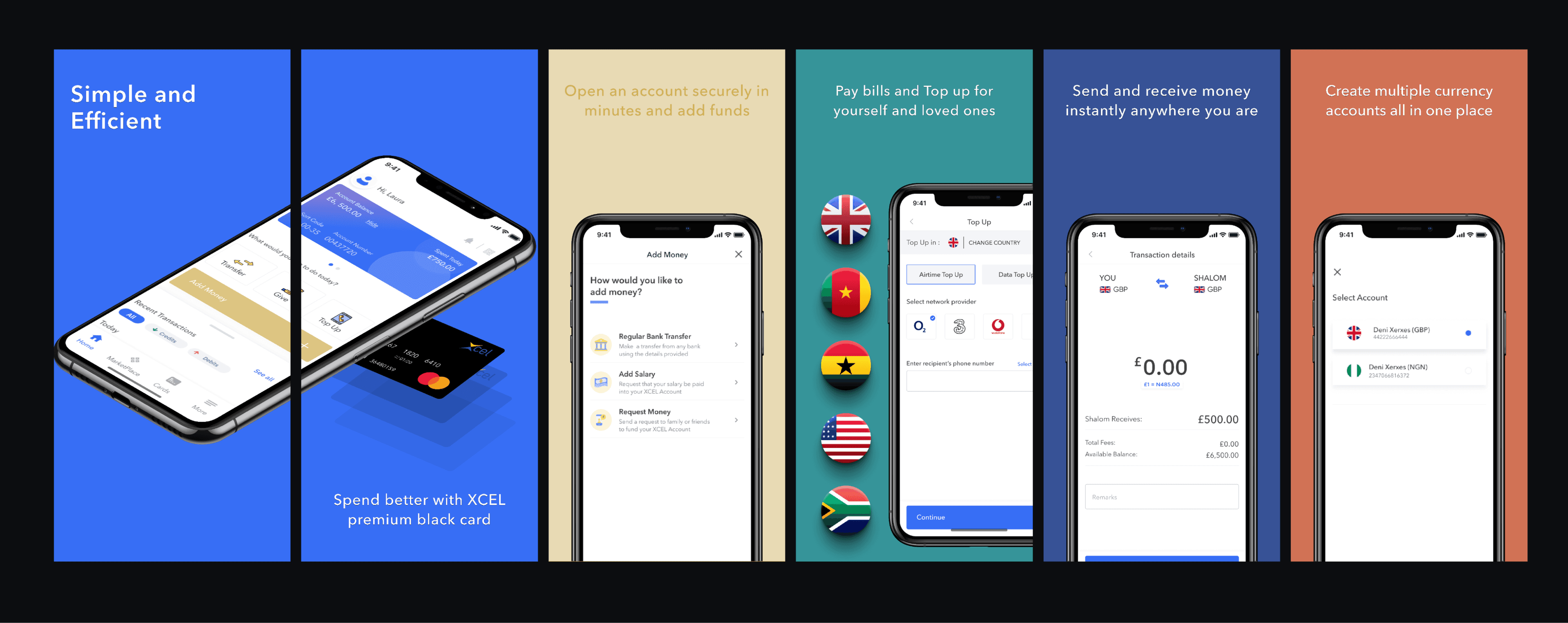
  app store screenshots

App Store Screenshots for Product Discovery

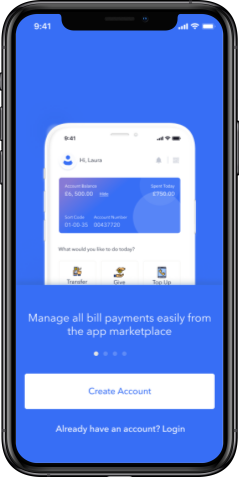
I also designed new screenshots for the apple Appstore to match the new app design.

app store wallpaper